

Learn how to buy crypto on PayPal with a clear step-by-step guide. See how to open the Crypto section, choose Bitcoin/Ethereum, enter an amount, review exchange rate + fees, and confirm your purchase safely.
Before you start (1-minute checklist)
Update the PayPal app (recommended).
Make sure your PayPal account is verified/confirmed (identity checks may be required).
Add a funding source: PayPal balance, bank, or debit card (credit cards/PayPal Credit typically can’t be used for crypto buys). PayPal
Turn on 2-step verification for security.
How to buy Crypto on PayPal (US) — step-by-step
1) Open PayPal Crypto
Open the PayPal app → Accounts (or Finances) → Crypto.

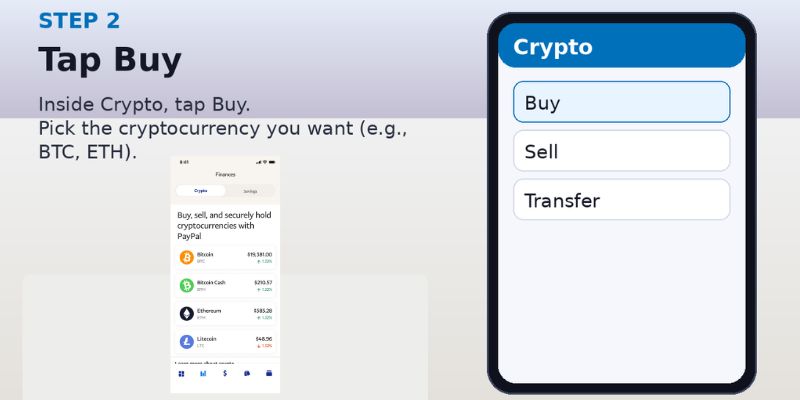
2) Tap Buy
Inside Crypto, tap Buy and select the coin you want (PayPal supports buying crypto starting from as little as $1, depending on availability).
3) Enter amount + choose frequency
Enter your amount → choose One-time or a recurring schedule (Daily / Weekly / Biweekly / Monthly).

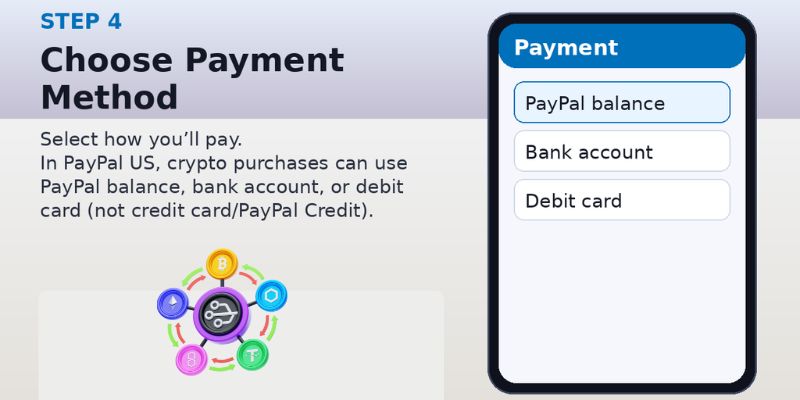
4) Choose payment method (PayPal US)
Pick a funding source. In the US, PayPal states you can use PayPal balance, bank, or debit card — not a credit card or PayPal Credit.
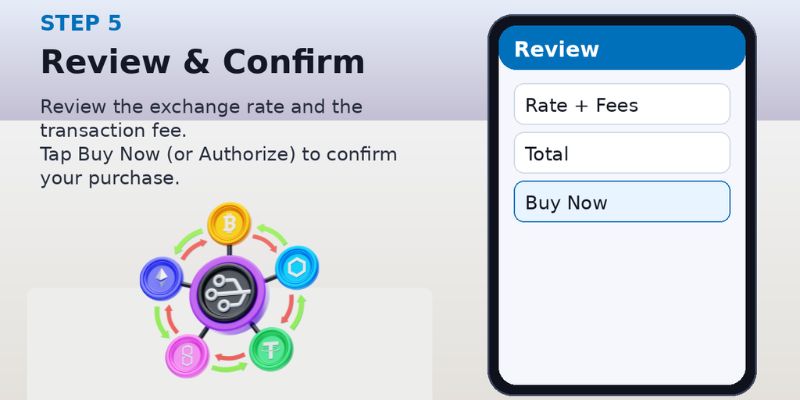
5) Review rate + fees, then confirm
Before you finalize, PayPal shows the exchange rate and the transaction fee for that trade. Tap Buy Now / Authorize to complete the purchase.
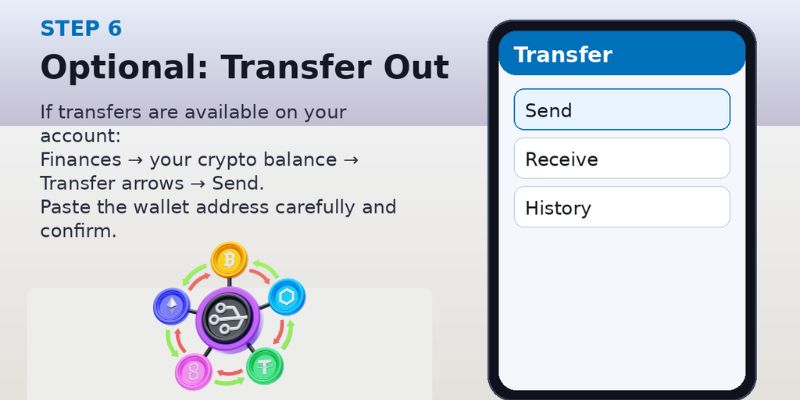
6) Optional: Transfer crypto out (if available on your account)
Go to Finances → tap your crypto balance → tap the transfer arrows → Send → enter the external wallet address (double-check it).
Buying crypto on PayPal (Web browser)
Log in to PayPal.com
Go to Finances → Buy (Crypto) PayPal
Pick coin → enter amount → select payment method → review fees → confirm.
Quick troubleshooting
Crypto tab missing? Your account/state may not be eligible yet. PayPal+1
Can’t use a credit card? That’s expected—use bank/debit/PayPal balance. PayPal
Fees look higher than exchanges? PayPal is convenience-focused; always review the shown rate + fee before confirming.
Conclusion:
Buying crypto on PayPal is a simple way to get started—choose your coin, enter an amount, review the rate and fees, and confirm your purchase in minutes. If you’re also building an online brand or creator business, early momentum matters: YouTube Bulkviews Views can help you boost visibility and engagement on your videos so your content reaches more people while you focus on learning and growing.